TumorQuantAI
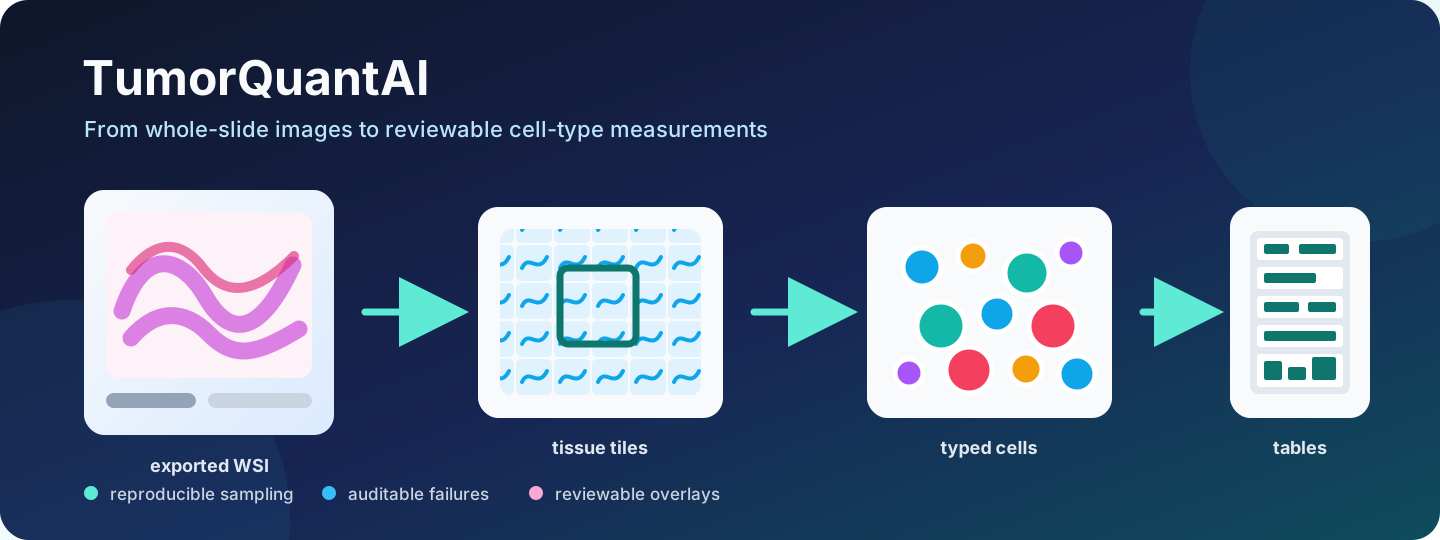
TumorQuantAI turns H&E whole-slide images and brightfield IHC images into reviewable quantitative outputs with explicit scale, identity, provenance, quality control, and failure auditing.
Start here
# Clone TumorQuantAI and enter the repository.
git clone https://github.com/cfarkas/tumorquantai.git
cd tumorquantai

# Install the global command and Docker route.
./tumorquantai install --docker
export PATH="$HOME/.local/bin:$PATH"

# Prepare the fixed public WSI without model inference.
tumorquantai quickstart --no-inference
Choose --singularity, --poetry, or --conda instead of --docker during installation when that is your intended route. The installer includes the download, conversion, and inspection dependencies, so tutorials do not create another Python environment.
Guided workflows
- Install TumorQuantAI
- Configure HistoPLUS access
- QuickStart Example 1: one public WSI
- Full tutorial: 21 lymphoma WSIs at 10%
- Breast ER/PR/HER2/Ki-67 patch quantification
- Public colon CD3/CD8 whole-slide reproduction and pathologist review guided by CK20
- Apply TumorQuantAI to your own WSIs
- Execution methods
- Understand the outputs
Public WSI download, checksum validation, conversion, and inspection require no HistoPLUS credential. Inference requires approved access to the gated HistoPLUS model.
The public colon-IHC workflow is package-native and model-free. Its 30 MDS WSIs
and frozen review outputs are Zenodo record 22177196, DOI
10.5281/zenodo.22177196.